Rootstock may be a fictional neighborhood plant shop, but the feeling behind it is real. Plants don’t just fill a shelf. They can transform how a space feels. So the campaign isn’t really selling plants. It’s selling the vibe.
Starting With a Feeling
I love plants (and have many), so a plant shop was an easy choice. My favorite kind of storefronts in general all have one thing in common: they’re an experience. It’s not just product on a shelf. It’s the lighting, the music, and the energy of the space. I wanted the whole campaign to capture that feeling, and the tagline followed naturally: Cultivate your vibe. A good play on a gardening word tied in with what Rootstock is really selling.
Pulling Color From the Plants
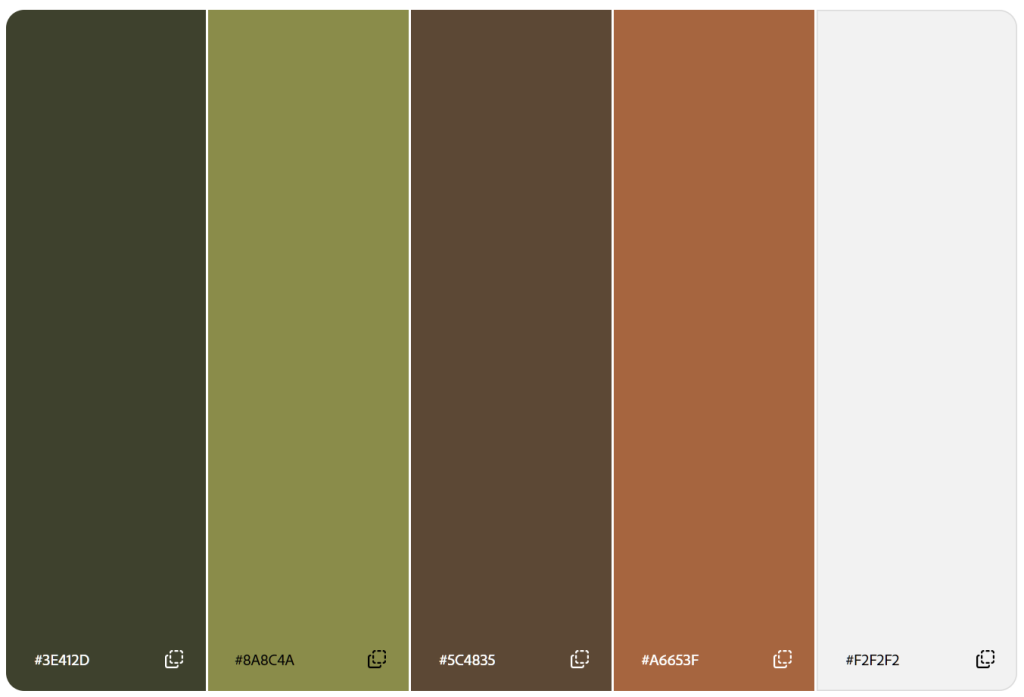
Before I designed anything, I built my palette. Of course, I wanted an earthy green, and I pulled it directly from the plants themselves. From there, I added a brighter accent green in case I needed it, a brown and a lighter beige that echo the warm walls and sunlight in my photos, and a terra cotta accent inspired by the pots and the guitar in some of the photos. Together, they feel like a sunny afternoon in a room full of plants. Which is exactly the point.
As always, I tested every pairing for accessibility and contrast ratio in Adobe Color. A cozy palette doesn’t do much good if people can’t read the text on it.
A Nod to Woodstock
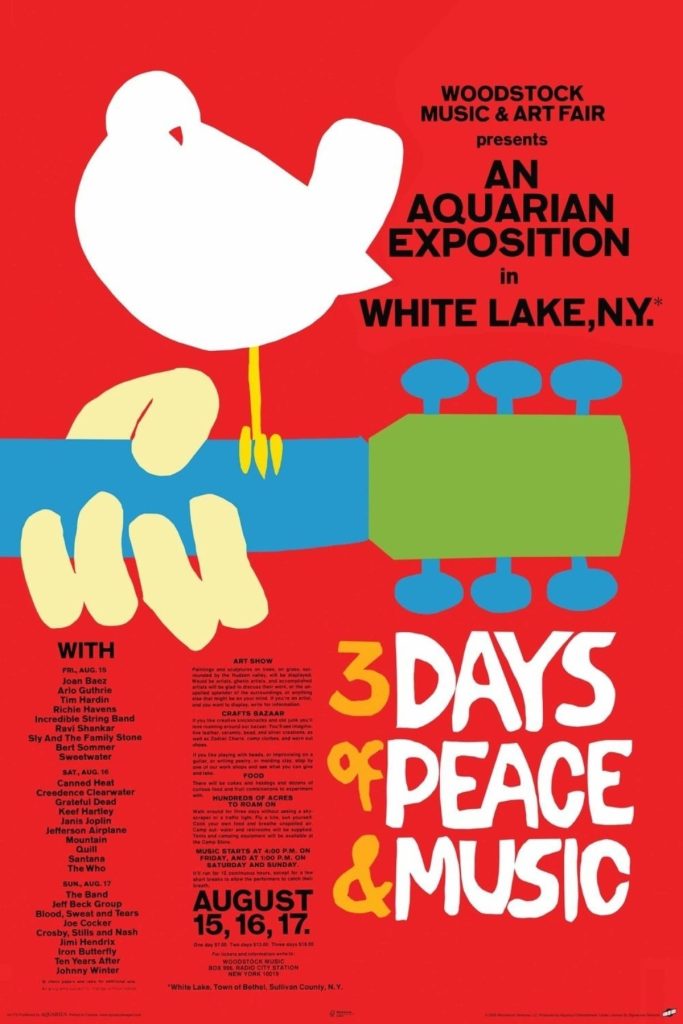
What else brings the vibes? Music, of course. The name Rootstock is inspired by Woodstock, and I wanted to call back to the festival without being painfully derivative. So I went to the the original 1969 poster by Arnold Skolnick for inspiration. It doesn’t use the swirly, psychedelic type people associate with the era. It’s bold and blocky, almost playful. That became my starting point.
Building the Logo
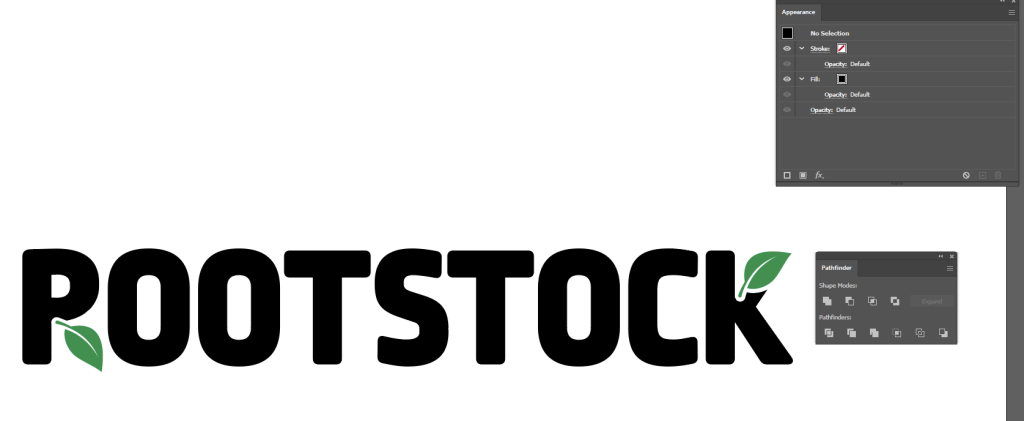
For the logo, I wanted that same blocky energy, but cleaner for legibility. I landed on Ropa Mix Pro and adjusted the tracking until the letters felt comfortably spaced and unified.
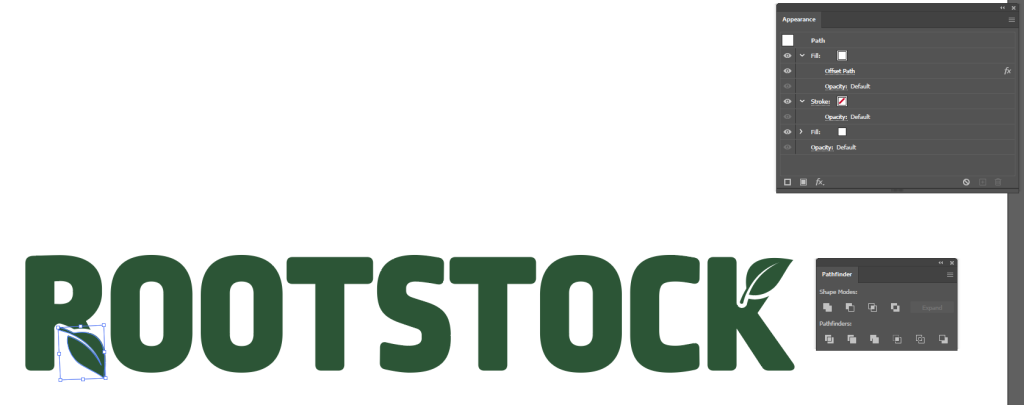
Next, I drew a leaf with the Pen tool, then duplicated it. In the Appearance panel, I added a secondary fill and applied Offset Path to create a perfectly even white outline around one of the leaves. I lined the outlined leaf up to replace the legs in the R and K, then moved the K’s leaf to the top so the logo felt balanced. Finally, I used Pathfinder to knock the outlined leaf shape out of the letterforms, leaving a perfect nook for the remaining leaf to nestle into.
My first version had black letters, placeholder green leaves, and I had fully removed the R’s leg. When I stepped back, it very clearly read Pootstock instead of Rootstock. I got a good, hearty laugh before switching everything to a single color and ensuring the beginning of the R’s leg was visible in order to avoid looking like a P.
Chasing Sunbeams
I was stuck at home for this shoot, but I made do with what I had lying around: my own plants became the subjects, tri-fold poster boards became makeshift backdrops, and my husband became my assistant, holding things up while I shot.
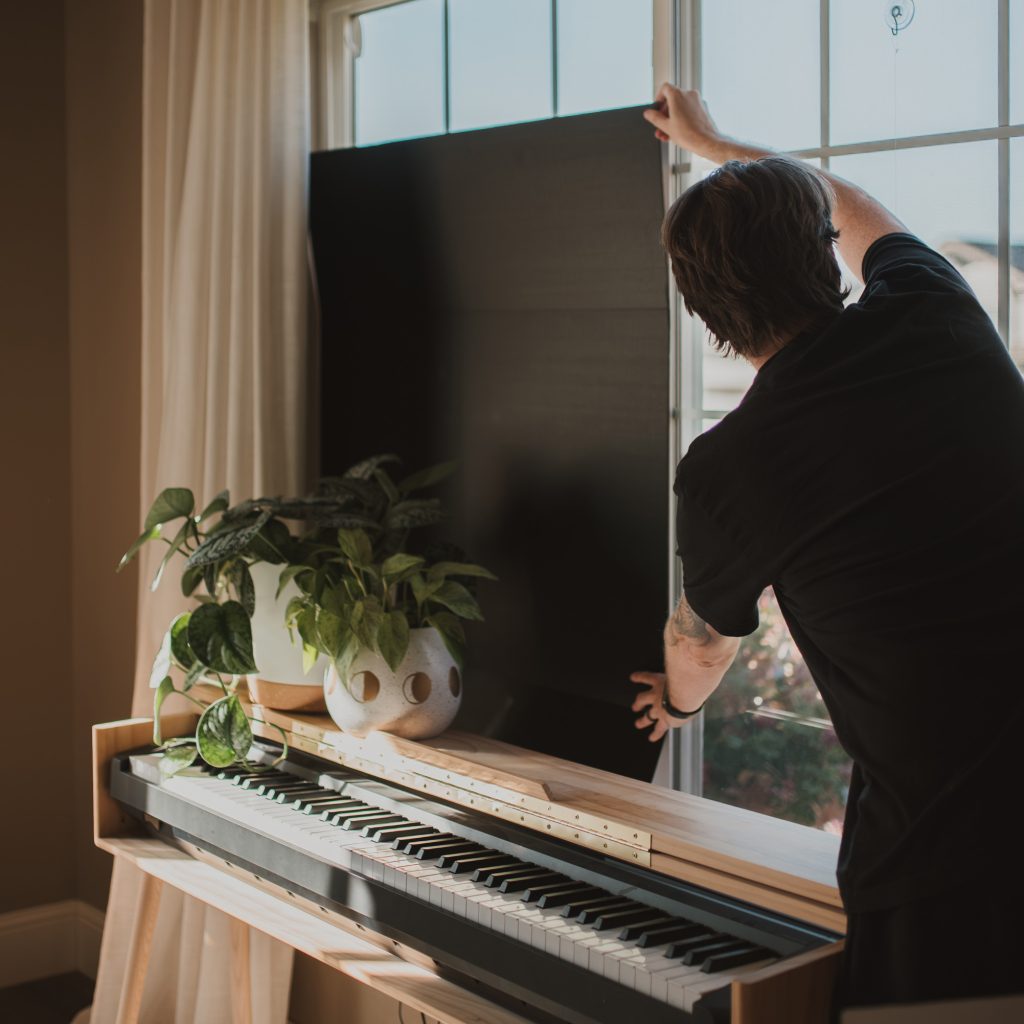
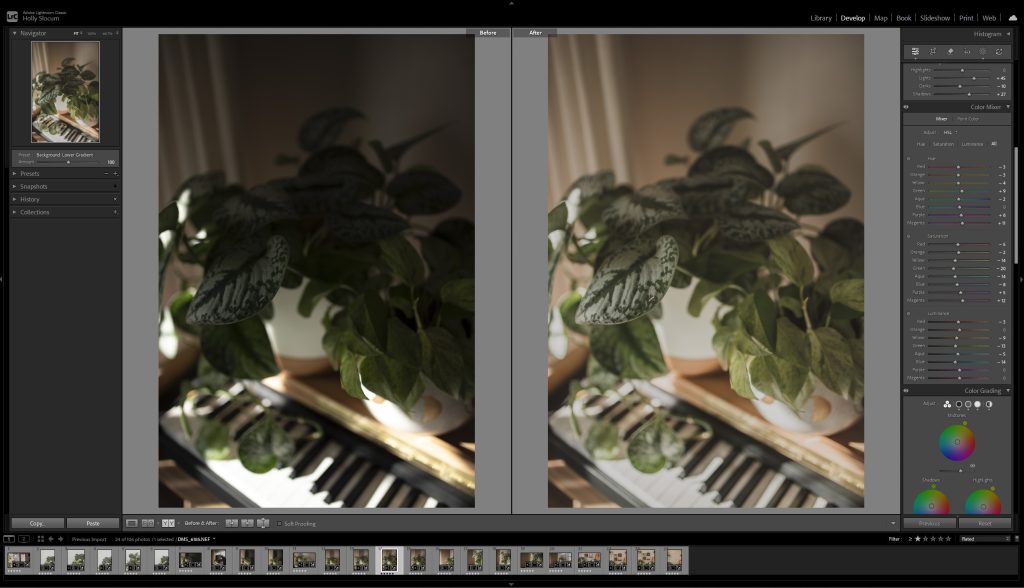
To me, good vibes always mean sunbeams pouring through the window, so when the rain let up, I jumped at the opportunity. Sunbeams are beautiful but tricky to photograph in. They create dramatic shadows, and keeping detail in them without blowing out the highlights was a balancing act. Shooting RAW on my DSLR gave me lots of room to correct in Lightroom Classic, my preferred color correction tool. I wanted warm and cozy, but still true to color.
Letting the Leaves Break Free
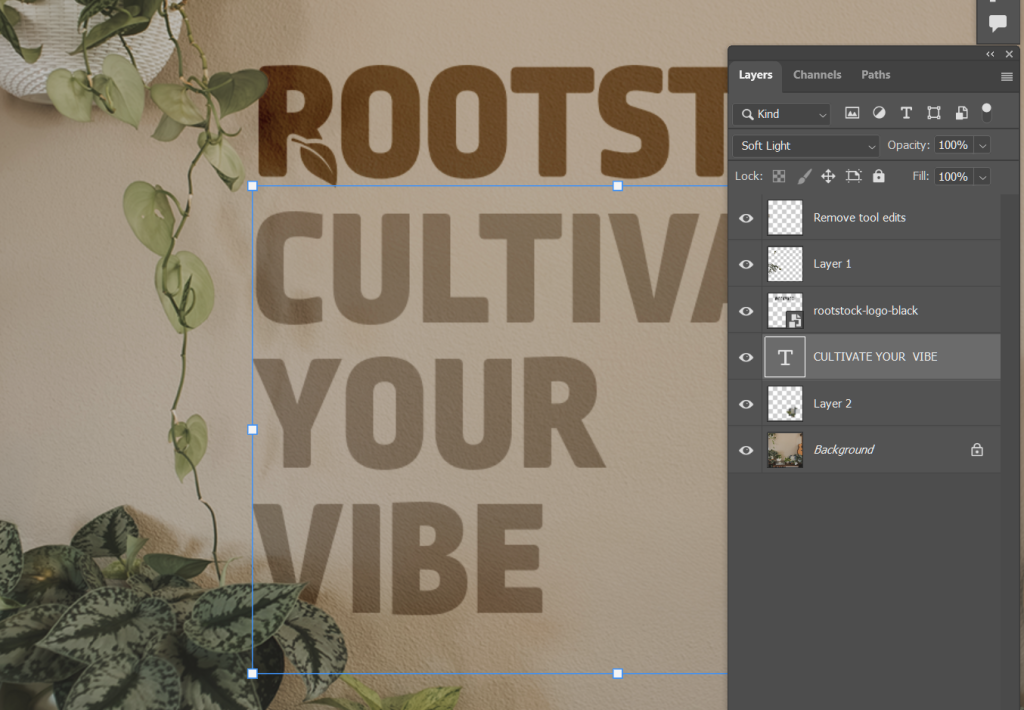
You’ll see leaves spilling out of their frames throughout the campaign materials. In Photoshop, I isolated each leaf with the Object Selection tool or the Magic Wand, whichever worked better, then refined the edges in Select and Mask. Once I was happy with the selection, I Ctrl+J duplicated the leaf onto its own layer, so it could be put in front of the text or sit outside a frame. Plants grow beyond their pots, so my plants grow beyond their frames, too.
For the social posts and billboard, I used blend modes so the text would feel like part of the scene instead of sitting on top of it. Then I brought the edited photos into InDesign to assemble the final layouts.
What I’d Change
I’m looking forward to this week, because there are already so many things I want to change and I’m eager to get feedback from others, as well.
Variety. For the photos, I relied on the same two or three scenes for most of the campaign. More setups would give the pieces more rhythm and me more variety when building the materials.
Exposure. In some photos, a few of my brightest spots are blown out beyond recovery. They have to be reshot.
Brochure. While I like the cover of the brochure quite a bit, the inside feels like it could use significant improvement to help with readability and visual interest. Currently, it’s pretty text-forward without a lot of design to help make the text more digestible.