Plants don’t just fill a shelf, they can transform how a space feels. This campaign isn’t really selling plants. It’s selling the vibe.
Finding the Vibe
I love plants (and have many), so a plant shop was an easy choice. I’ve found that my favorite storefronts are an experience: the lighting, the music, the energy of the space. The tagline followed naturally: Cultivate your vibe. It’s a play on a gardening word that doubles as a subtle call to action.
What else brings the vibes? Music, of course. The name Rootstock nods to Woodstock, and the original 1969 poster by Arnold Skolnick became my starting point. It skips the era’s swirly, psychedelic type for bold, blocky, almost playful lettering.

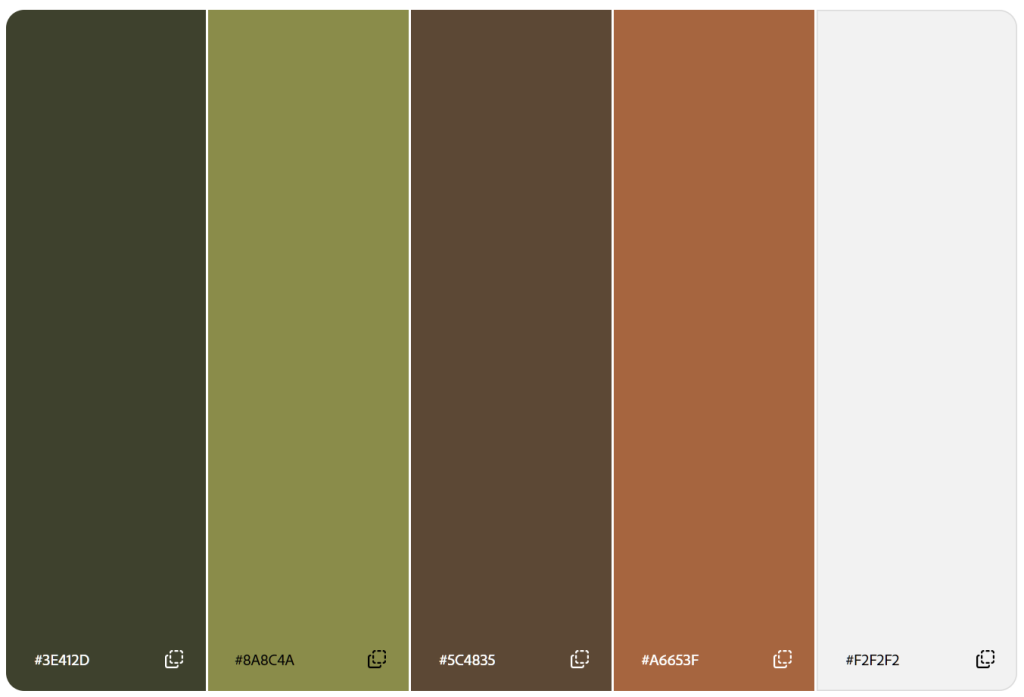
For color, I pulled an earthy green directly from the plants, then added an accent green, a brown, a lighter beige, and a terra cotta inspired by the pots. As always, I tested every pairing for contrast in Adobe Color.
Building the Logo
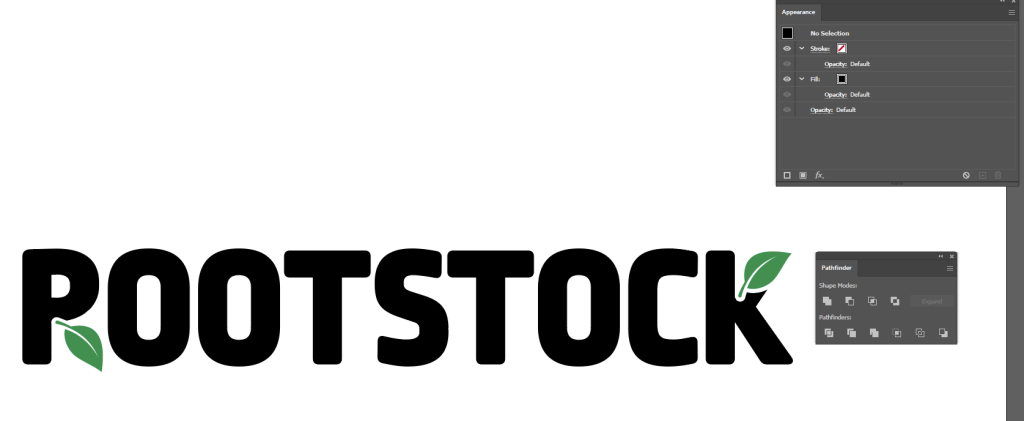
Using Illustrator, I set the wordmark in Ropa Mix Pro, which has the poster’s blocky energy but is cleaner for legibility. Next, I drew a leaf with the Pen tool, then duplicated it. In the Appearance panel, I added a secondary fill and applied Offset Path to create a perfectly even white outline around one of the leaves. I lined the outlined leaf up to replace the legs in the R and K, then moved the K’s leaf to the top so the logo felt balanced. Finally, I used Pathfinder to knock the outlined leaf shape out of the letter-forms, leaving a perfect nook for the remaining leaf to nestle into.
My first version had black letters, green leaves, and no R leg at all. It very clearly read Pootstock. After a good laugh, I switched to a single color and kept the start of the R’s leg so it didn’t look like a P.
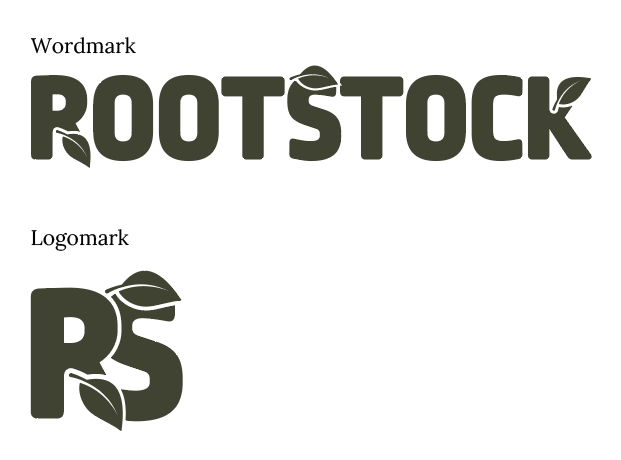
A classmate suggested a condensed version of the logo for tighter spaces. Taking his advice, I built an RS logomark and added a leaf to the S, lining the negative space created by the leaf’s stem up with where the top of the S would naturally continue.

I liked the S leaf so much that I brought it into the wordmark as well. While I’m happy with the logomark, I found that I wanted the full business name present on most of the materials so I used the wordmark most often.
Setting the Scene
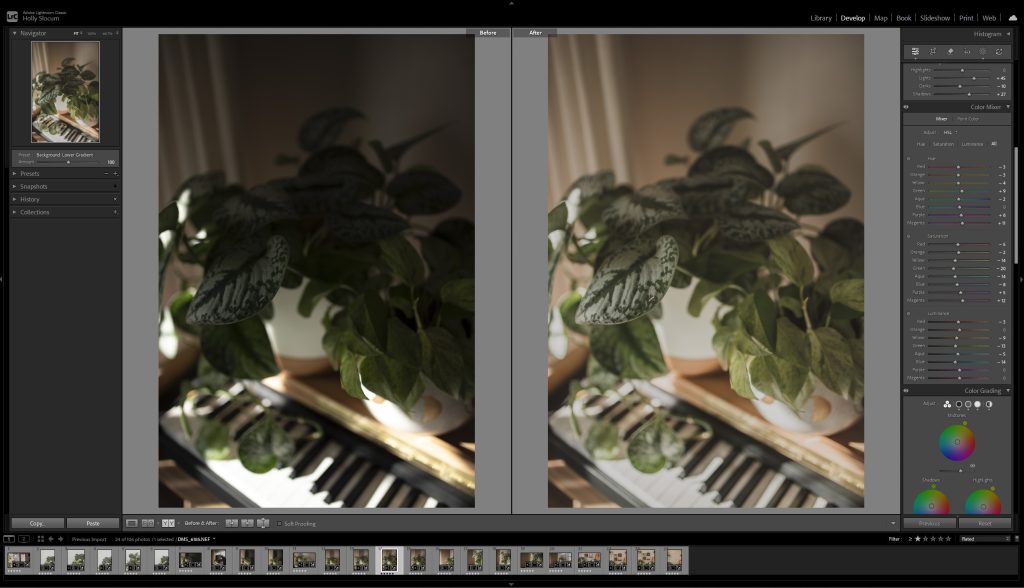
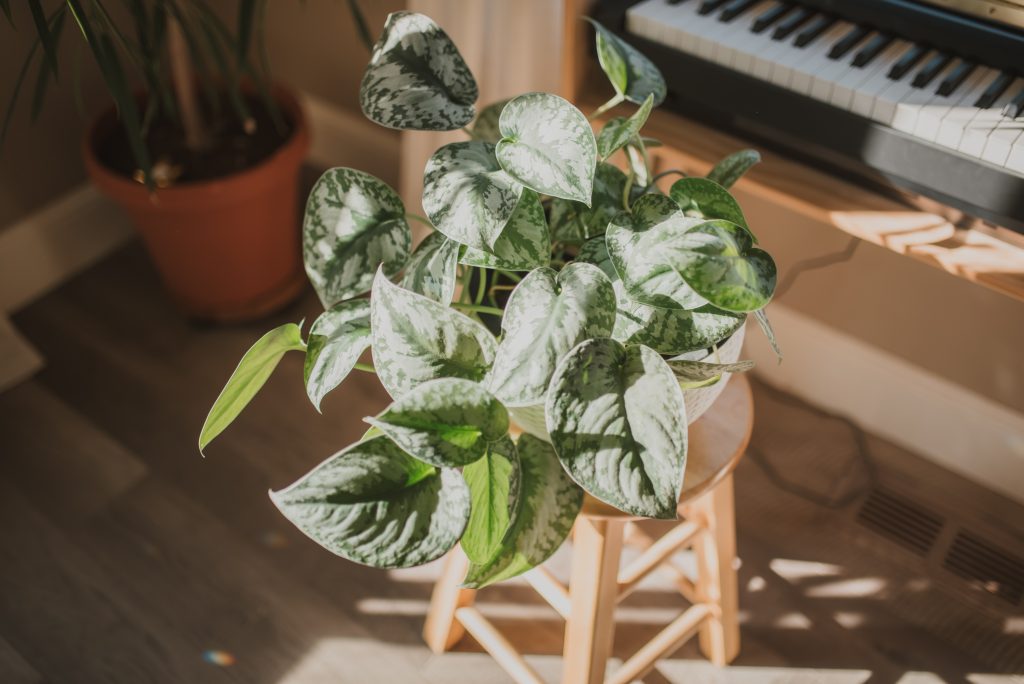
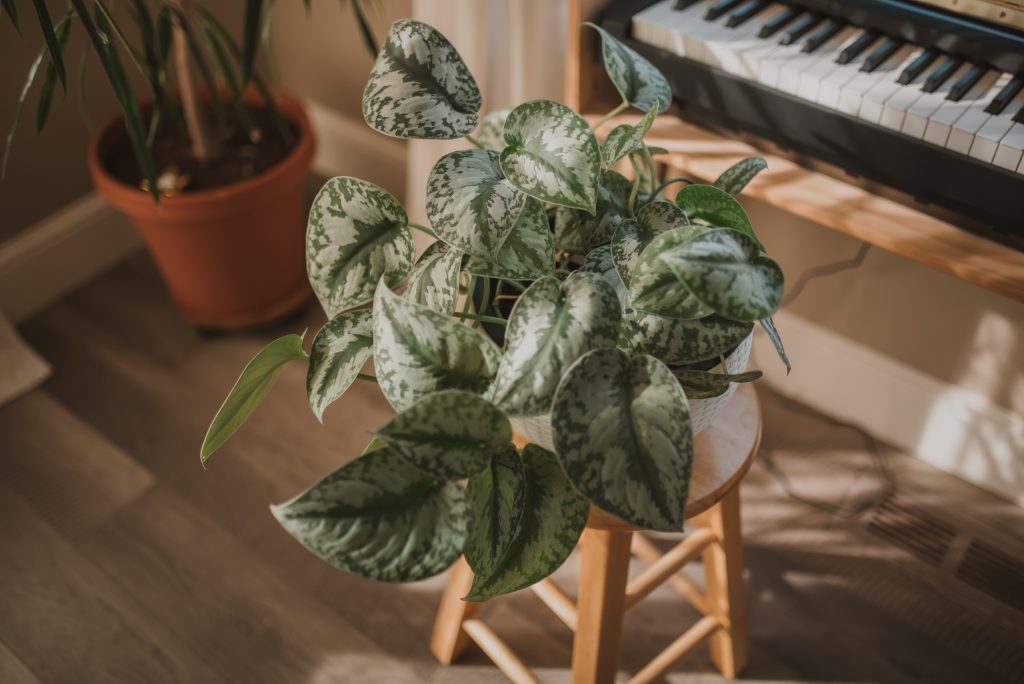
I built sets at home using my plants, poster board, and things I had lying around. To me, good vibes mean sunbeams, so I waited for a sunny day and the right morning light pouring through the windows. I shot RAW, then color corrected in Lightroom Classic for a warm, cozy look that still kept the greens and whites true to color.
Feedback I received also noted that my draft photos leaned heavily on one scene, which is something I noticed as well. For the final, I reshot with new plants and angles and replaced several photos throughout the materials so not every image showed the piano scene. This also gave me the opportunity to fix areas where my photos were overexposed in the draft. Shooting in dramatic lighting like sunbeams can be tricky because of the intense light against deep shadows. To help combat this, I diffused the sun coming through the window with sheer fabric.
Letting the Leaves Break Free
In Photoshop, I isolated leaves with the Object Selection tool, refined them in Select and Mask, and duplicated each onto its own layer so it could sit in front of text or outside a frame. Plants grow beyond their pots and leaves overlap one another, so my plants grow beyond their frames and overlap text, too.
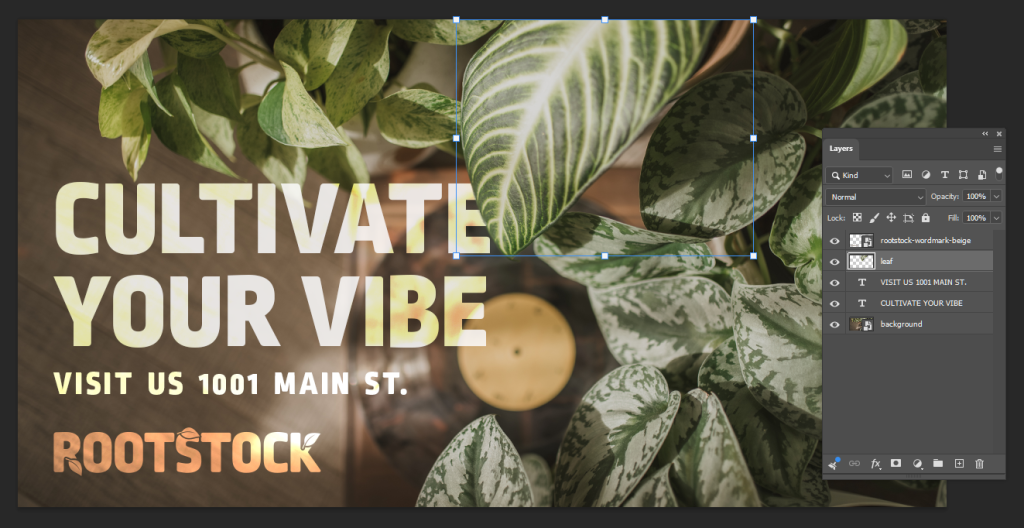
On the social posts and billboard, I used vivid light and color dodge blend modes so the type catches the same sunbeams and light leaks as the photos. In the draft, though, the tagline and business name blurred together. In the final version, the tagline leads, with the logo smaller in a warmer color so each read distinctly from the other. I also replaced the social photos entirely so the posts and billboard share one consistent image. I chose it because I intentionally left open space to the left for text, while the plants are in focus and the music is secondary, which captures the campaign’s intention. The billboard also gained a call to action with the business address, for a simple, easy to read message at a glance.
Pulling It Together in InDesign
Revisiting the brochure interior was my biggest priority; the draft was a wall of text. I rebuilt it in columns using linked text frames, so the copy flowed through every edit. Guides kept each section evenly aligned and spaced, and turning off hyphenation kept the paragraphs neat and readable. I added new photos and the leaf motif inside, and placed the logomark on the back panel so text no longer stretched awkwardly across it. I also noticed my hours were written four different ways across the campaign, so they now match on every piece.
Rootstock, Revisited
Side by side, the materials now feel like they belong together. Like any good plant, Rootstock just needed a little more time, better lighting, and some nurturing to grow.